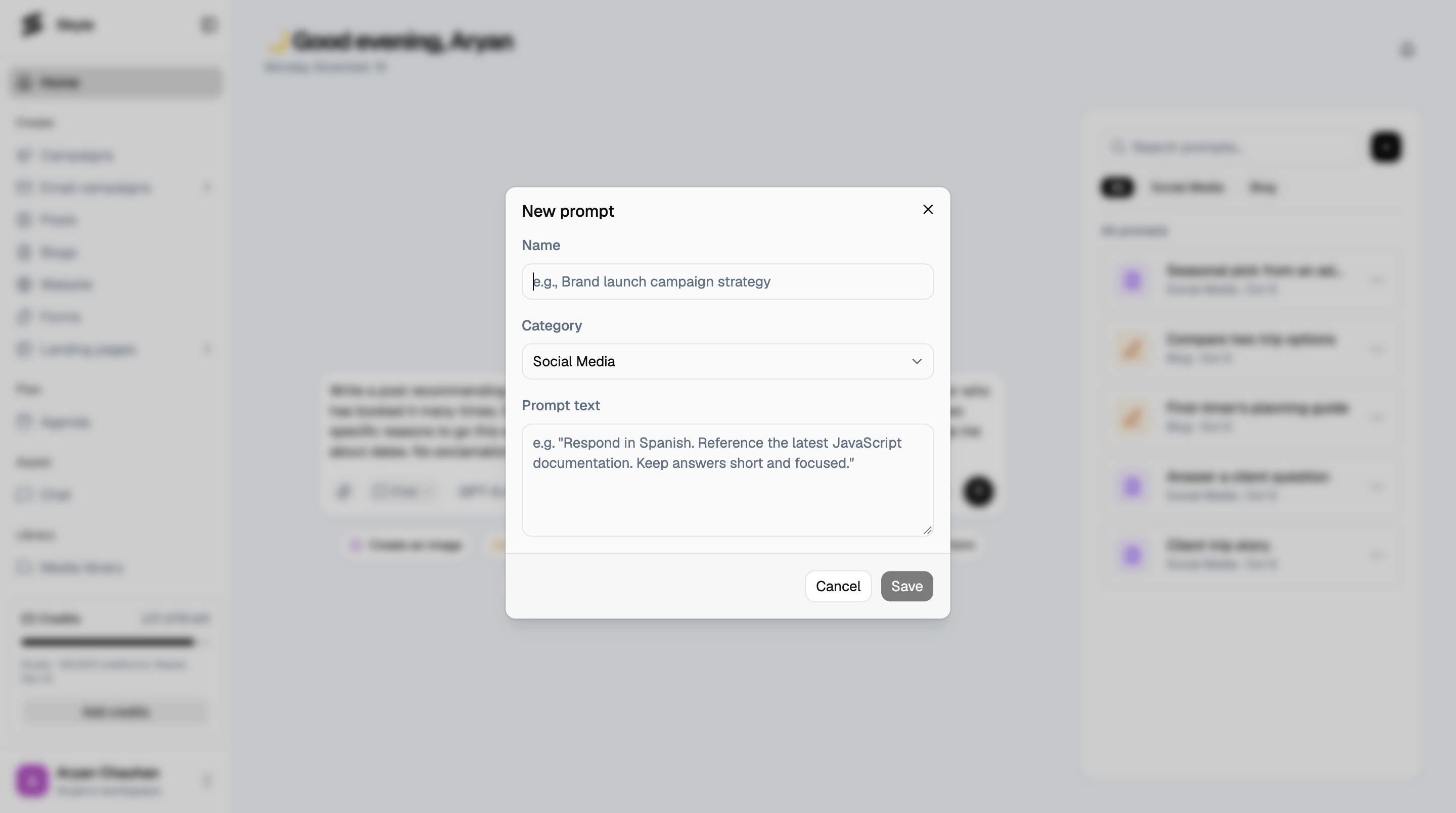
Start something quickly
Type what you want directly into the Ask skyie box, or click one of the quick actions below it: Create an image, Create a video, Create a post, Create a blog, Create a form, Create a campaign, or Create a landing page. Each one takes you straight into that flow instead of making you find it in the sidebar first.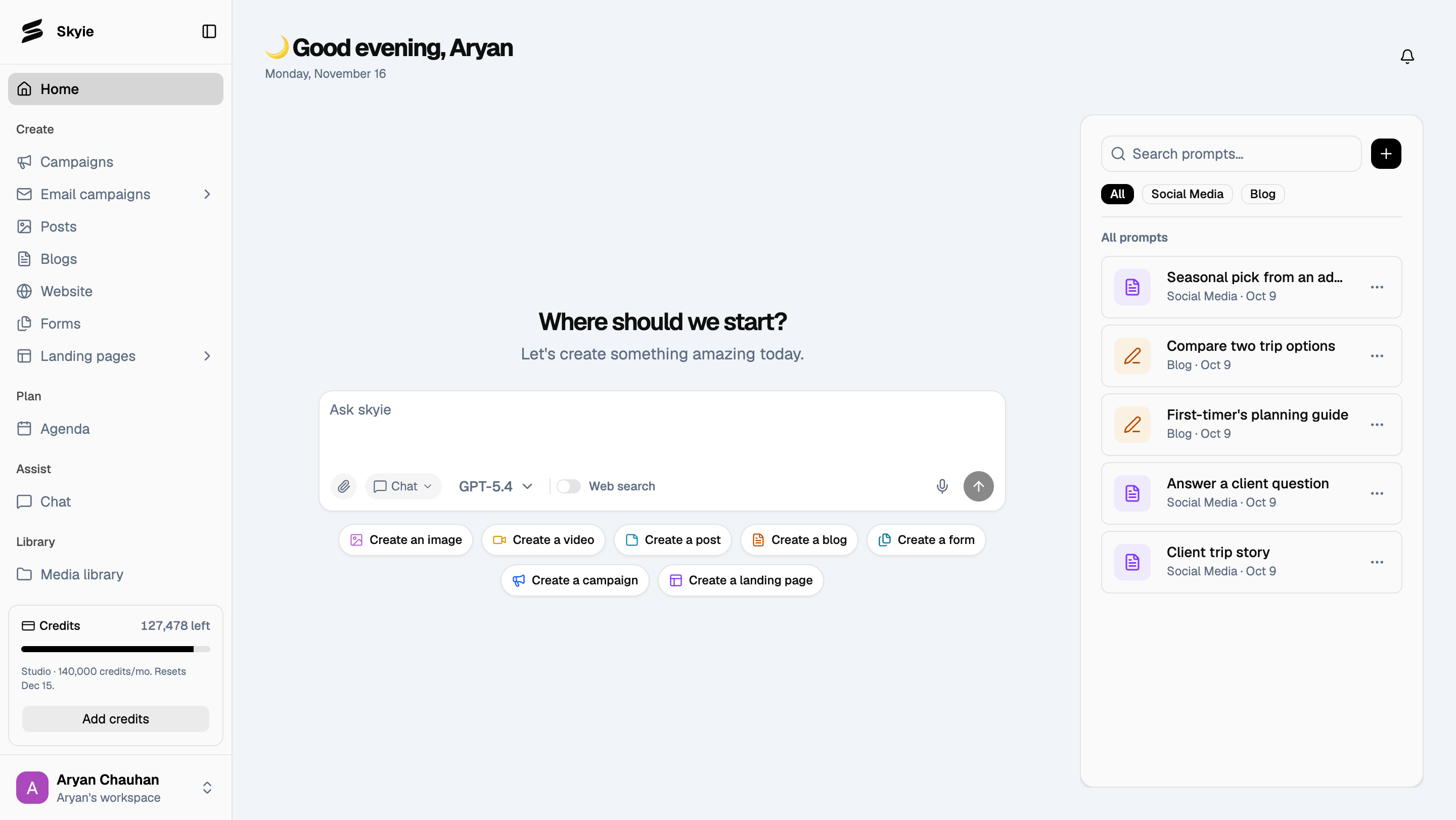
Use a saved prompt
The Prompts panel on the right holds instructions you’ve saved to reuse, organized under All, Social Media, and Blog. Click one to drop its full text into the Ask skyie box, ready to send as-is or edit first.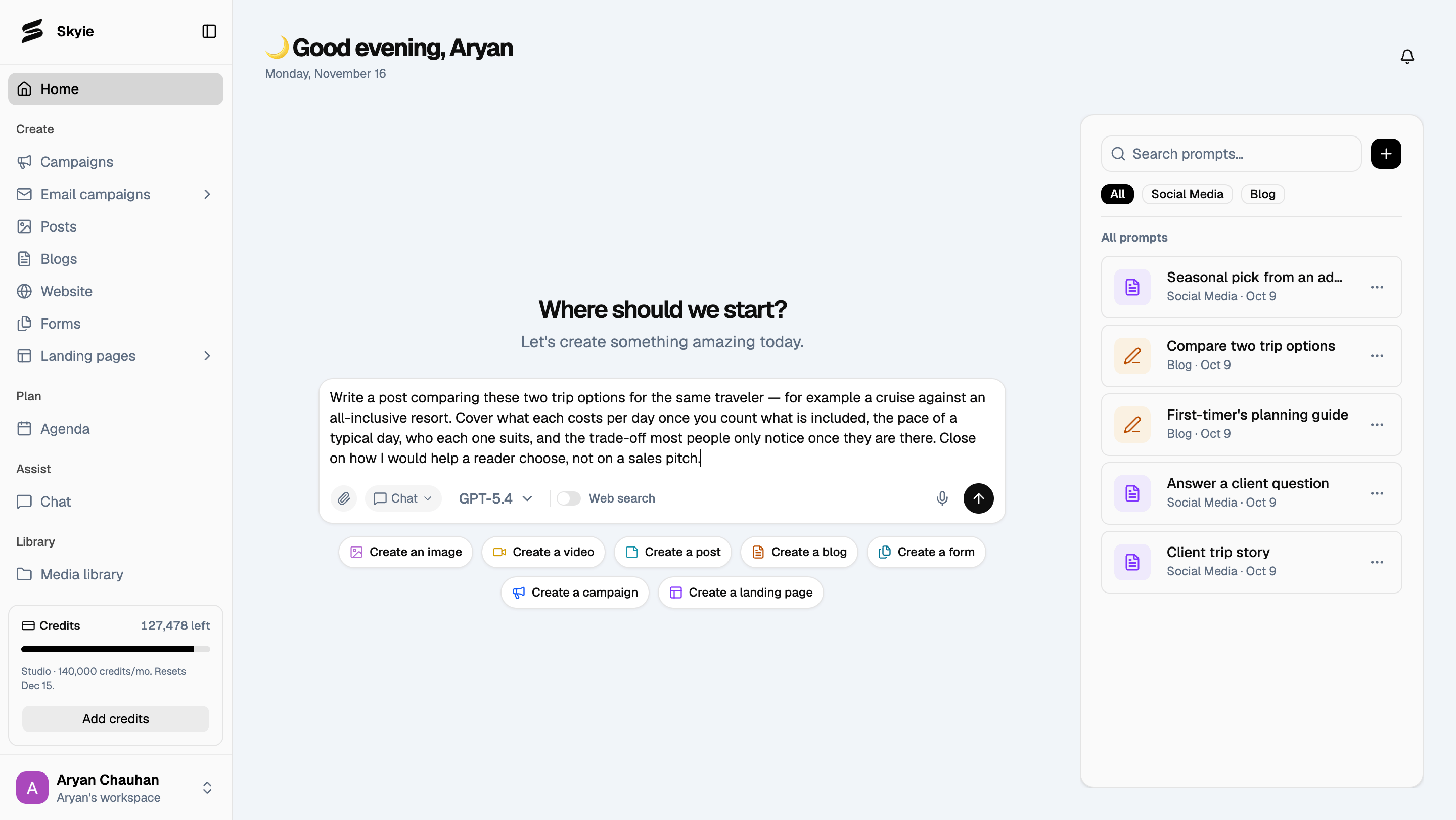
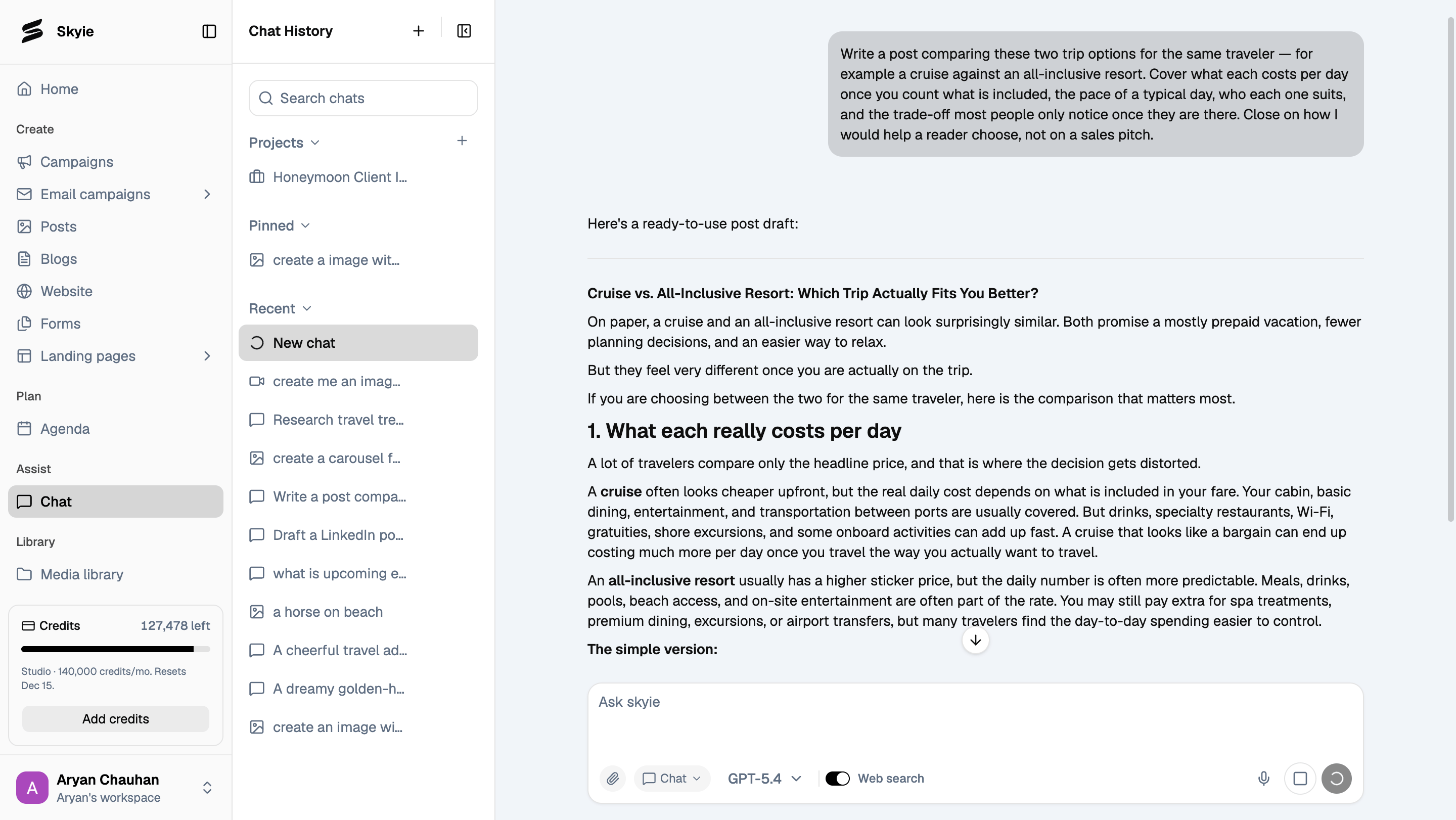
Save your own prompt
Click + next to Search prompts to save a new one. Give it a Name, choose a Category (like Social Media or Blog), and write the Prompt text you want saved.