Browse the content library
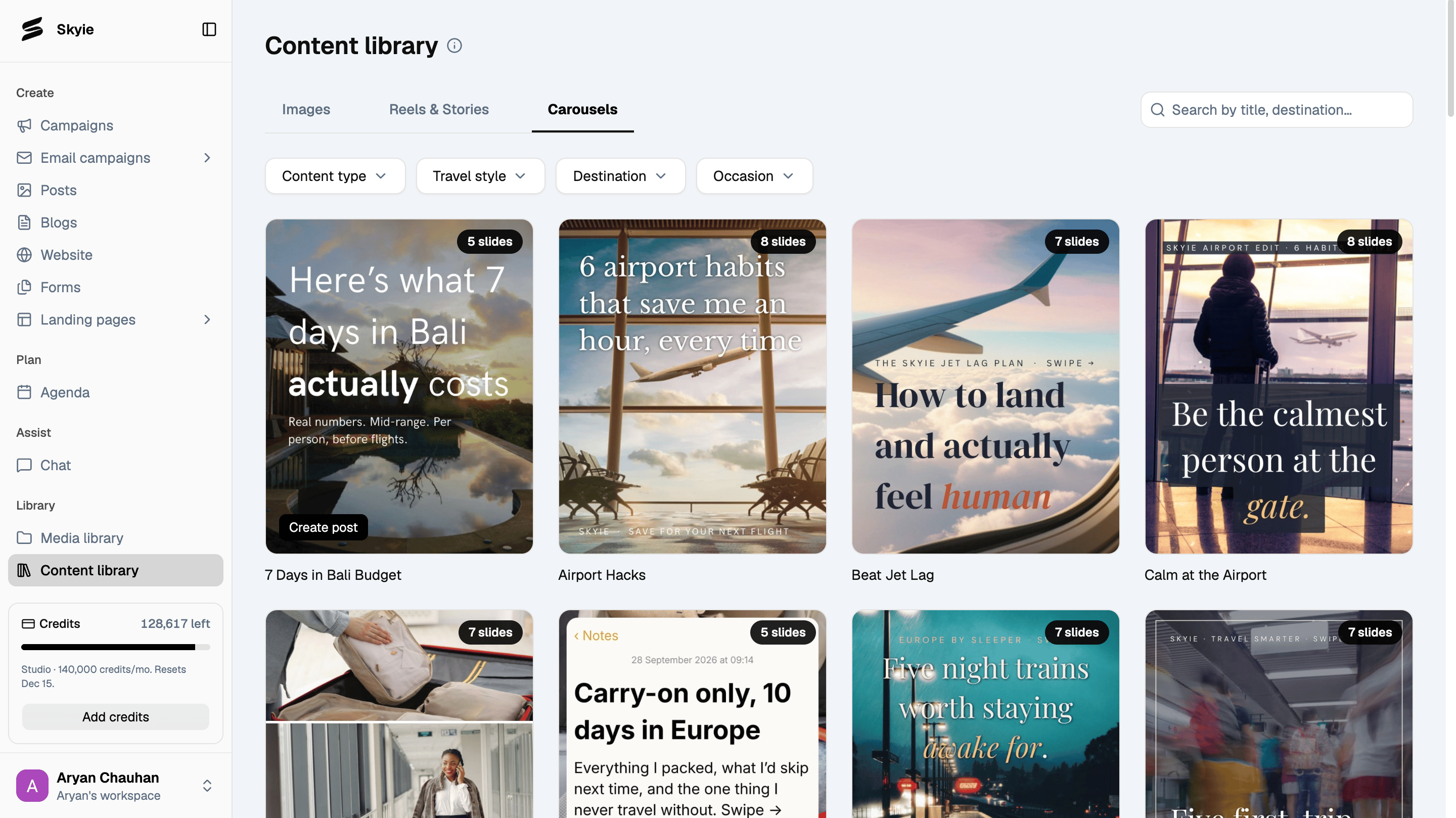
Go to Content library in the left sidebar. Browse content across three tabs: Images, Reels & Stories, and Carousels. Use the available filters to find relevant content by Content type, Travel style, Destination, and Occasion (available for Reels & Stories and Carousels). You can also search by title or destination.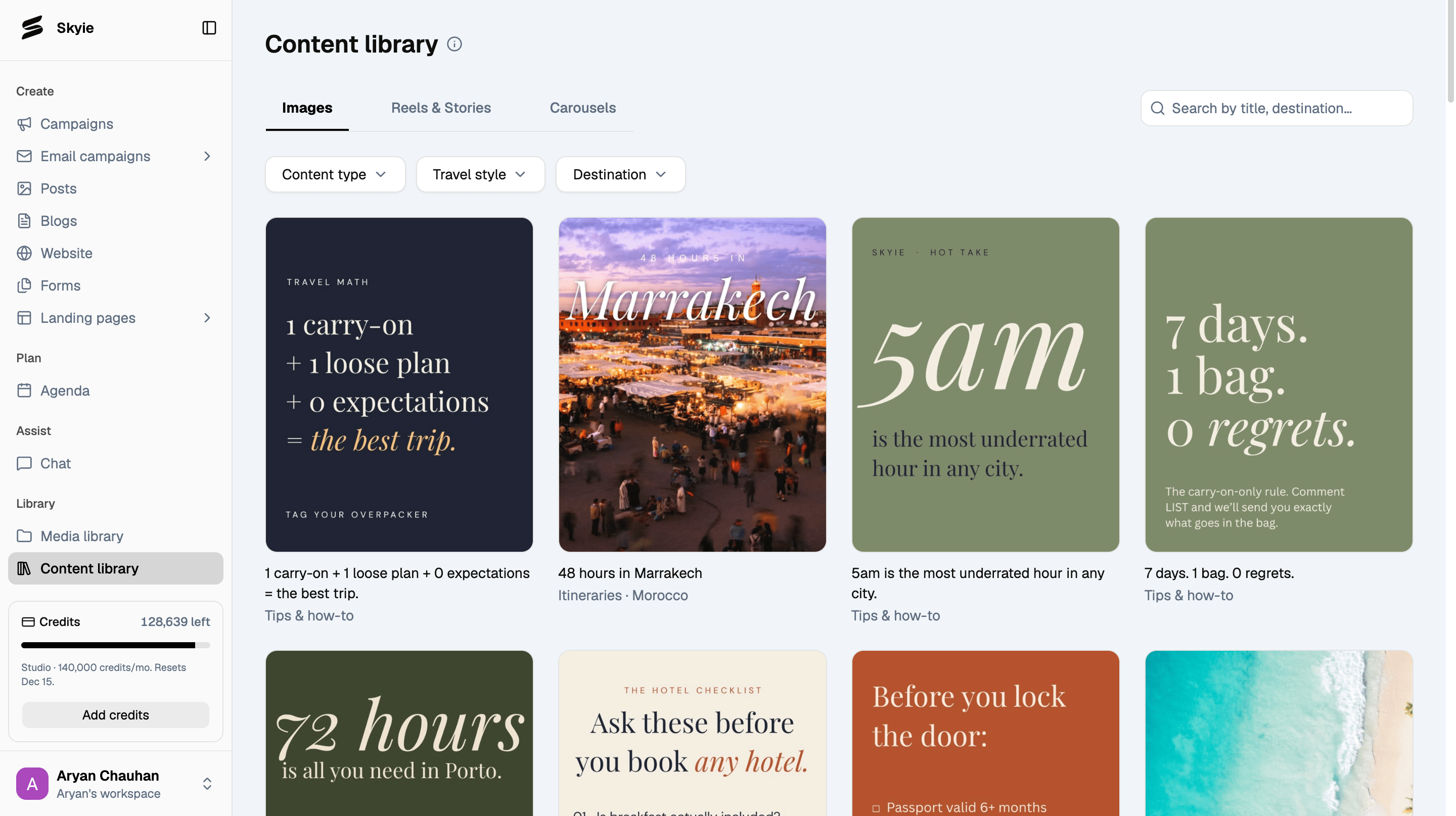

Preview content
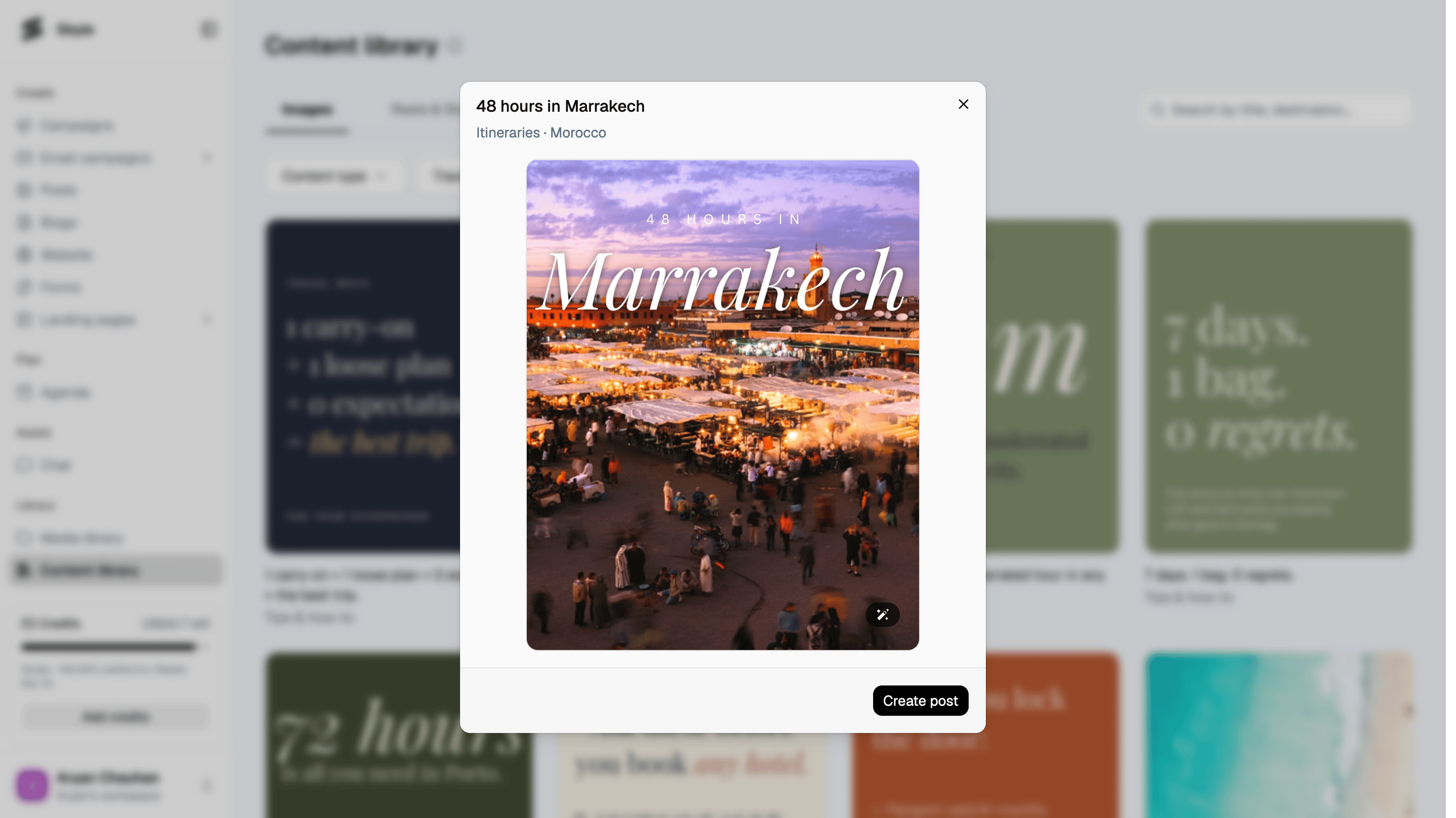
Click any content card to see a preview before using it.- Images: view the full image along with its category and destination tags.
- Reels & Stories: play the full clip right in the preview
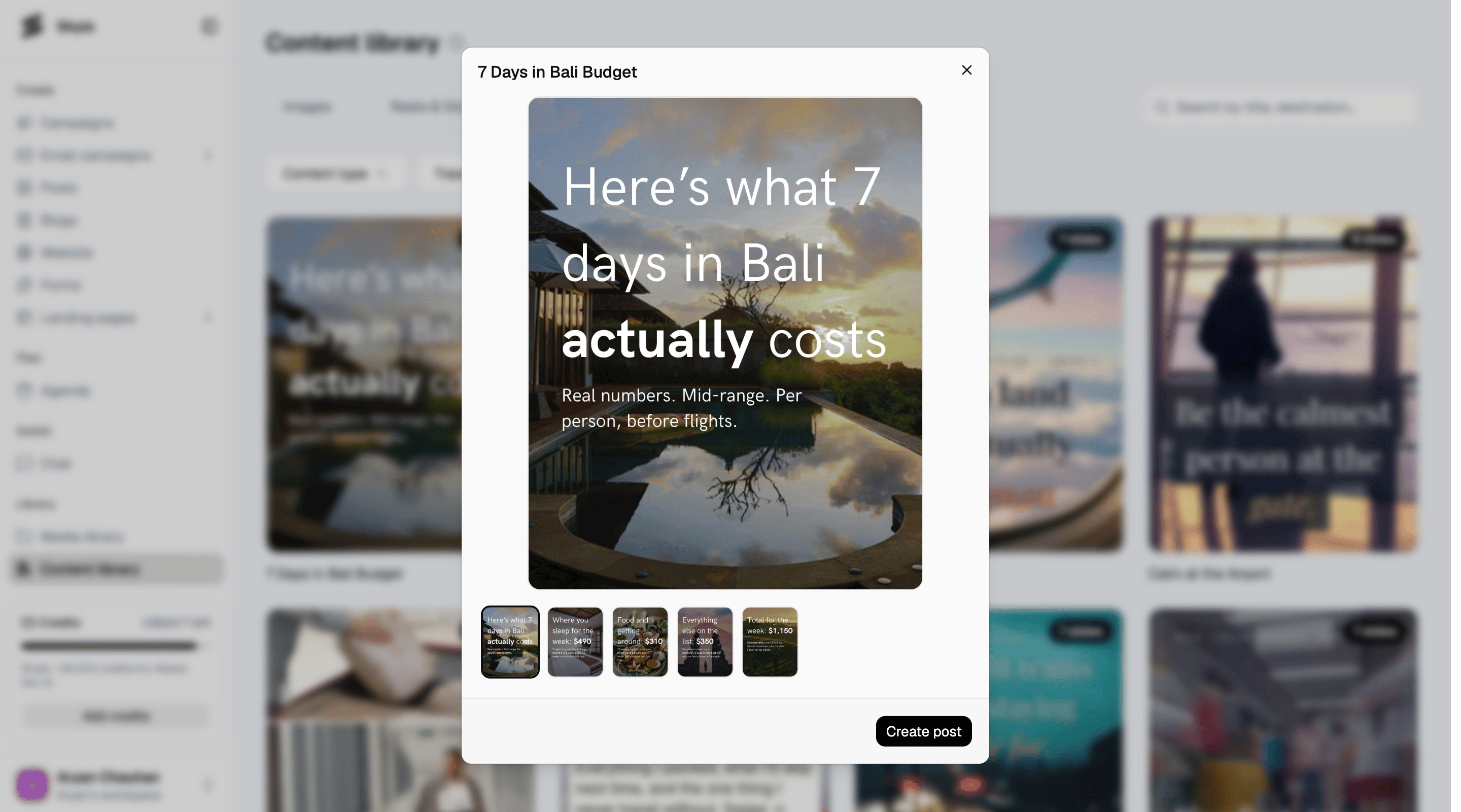
- Carousels: preview all slides using the thumbnail strip to see the complete sequence.
Create a post from the library
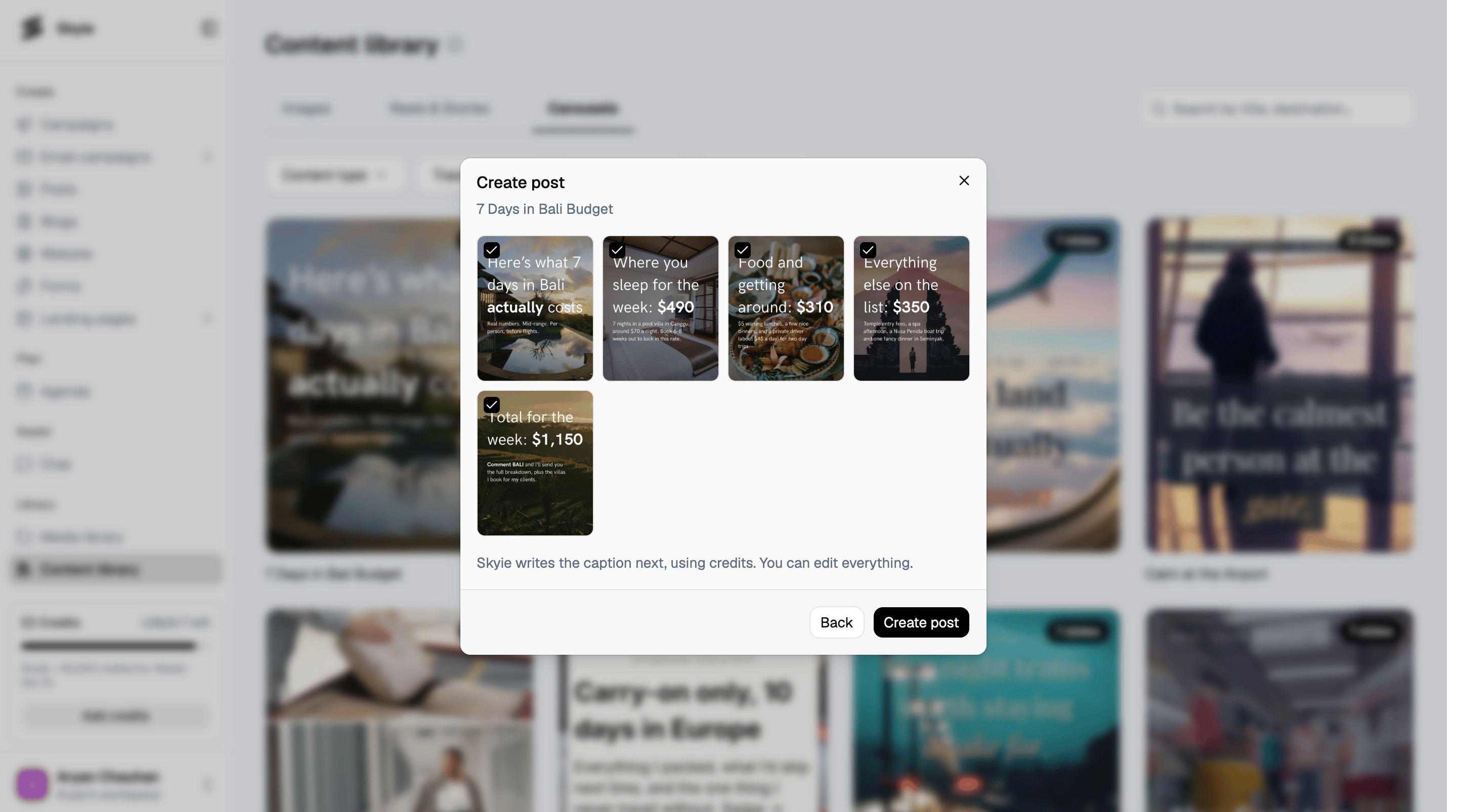
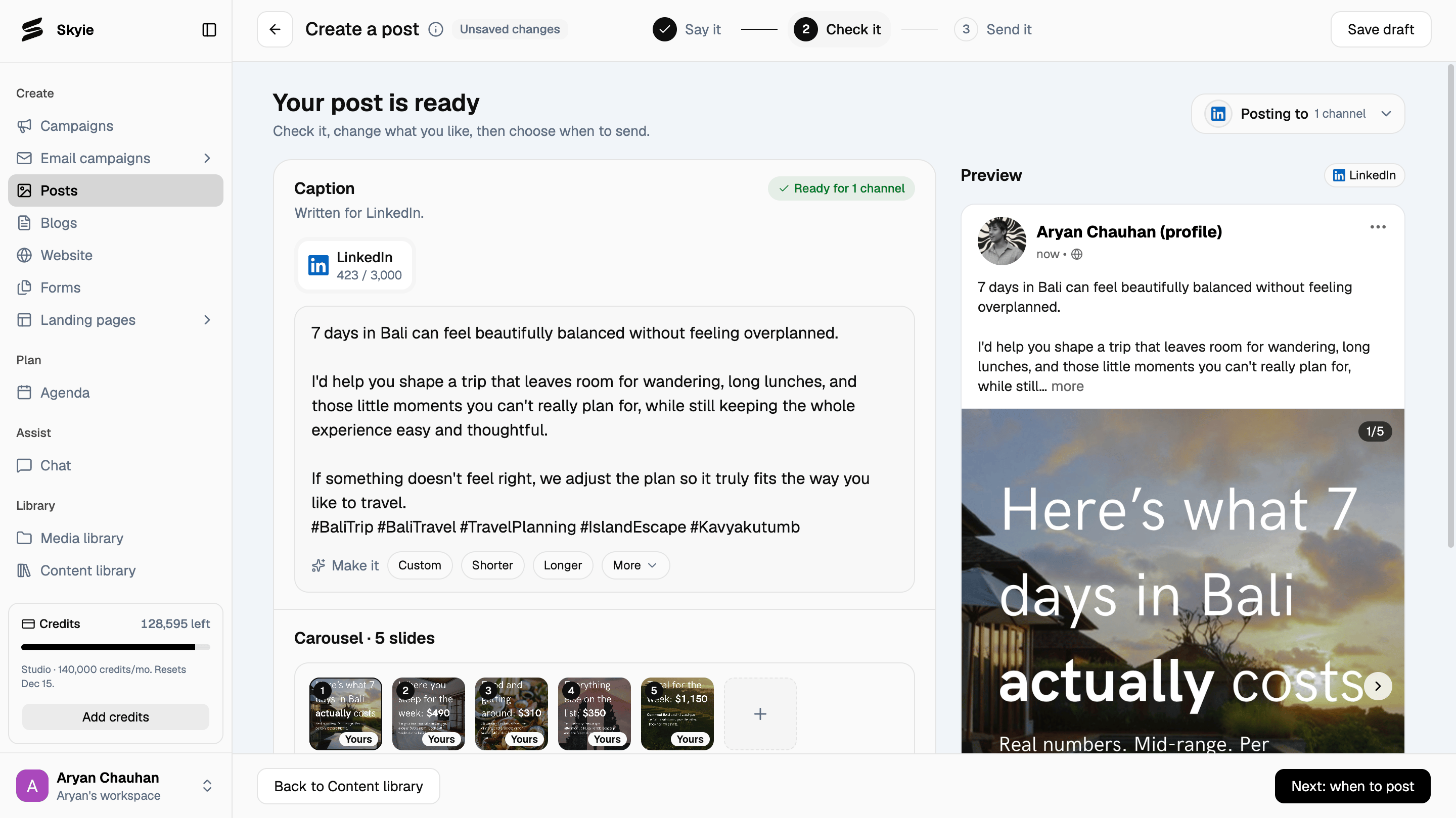
Found something you like? Click Create post to turn it into a social media post. For carousels, select the slides you want to include, then click Create post again.