Browse your week
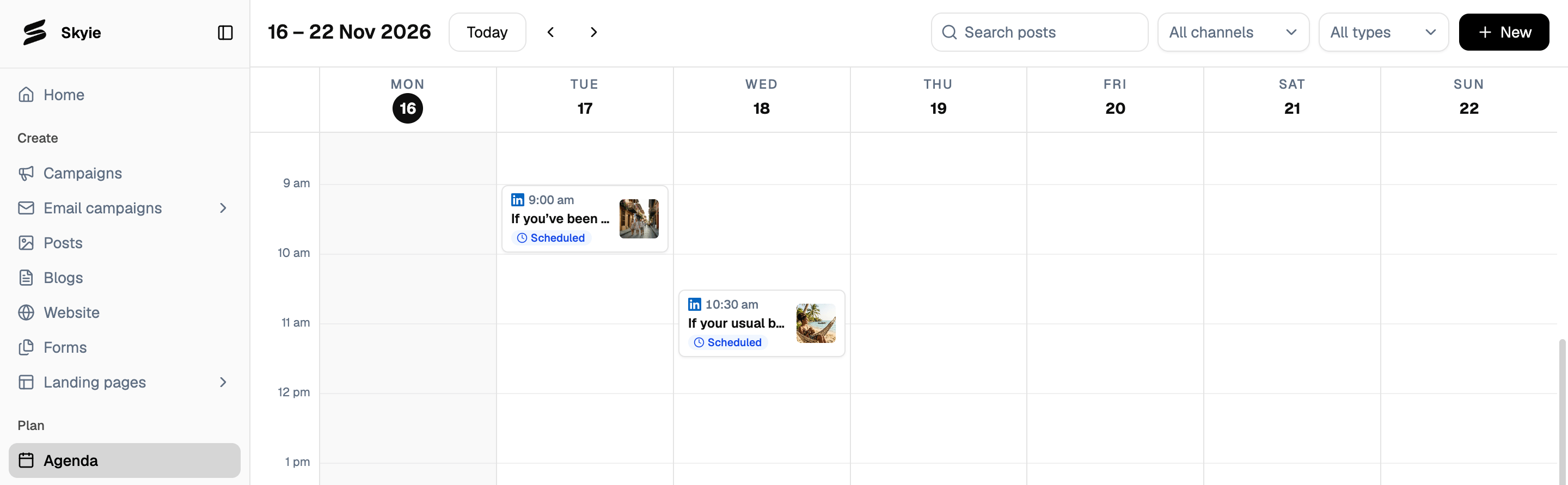
Go to Agenda in the left sidebar. The calendar shows one week at a time, with each scheduled item appearing on its day and time, along with the channel it’s going to and its status (for example, Scheduled).- Click Today to jump back to the current week, or use the arrows to move forward and back.
- Use Search posts to find a specific item, or the All channels and All types filters to narrow down what you’re looking at.
- Click + New to start a new post without leaving the calendar.